
Description
Product Overview
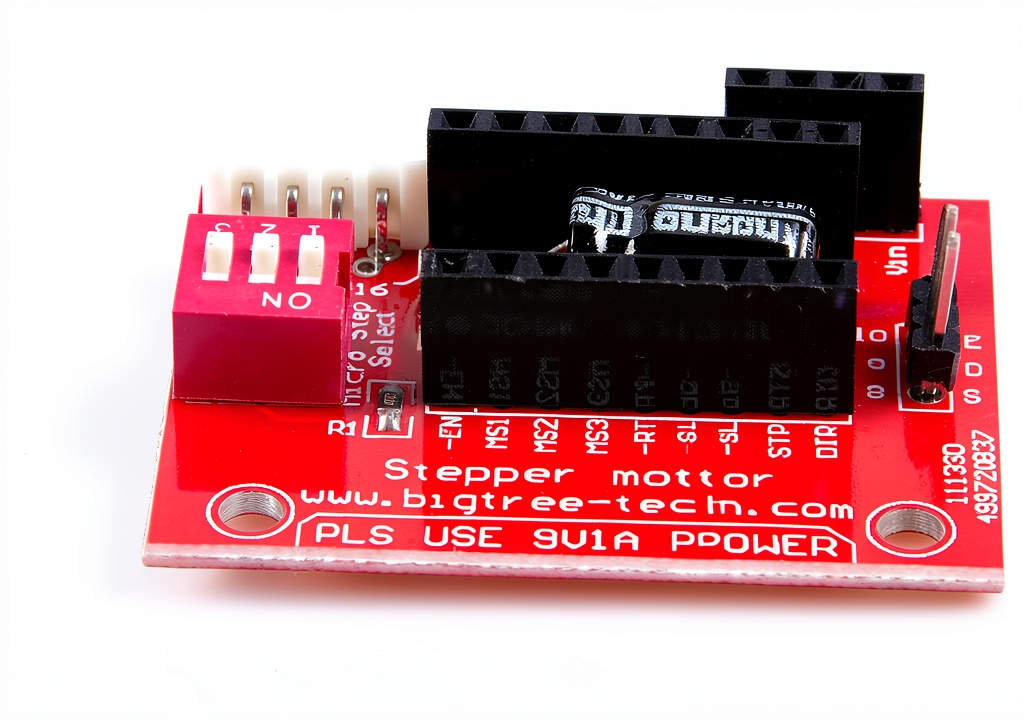
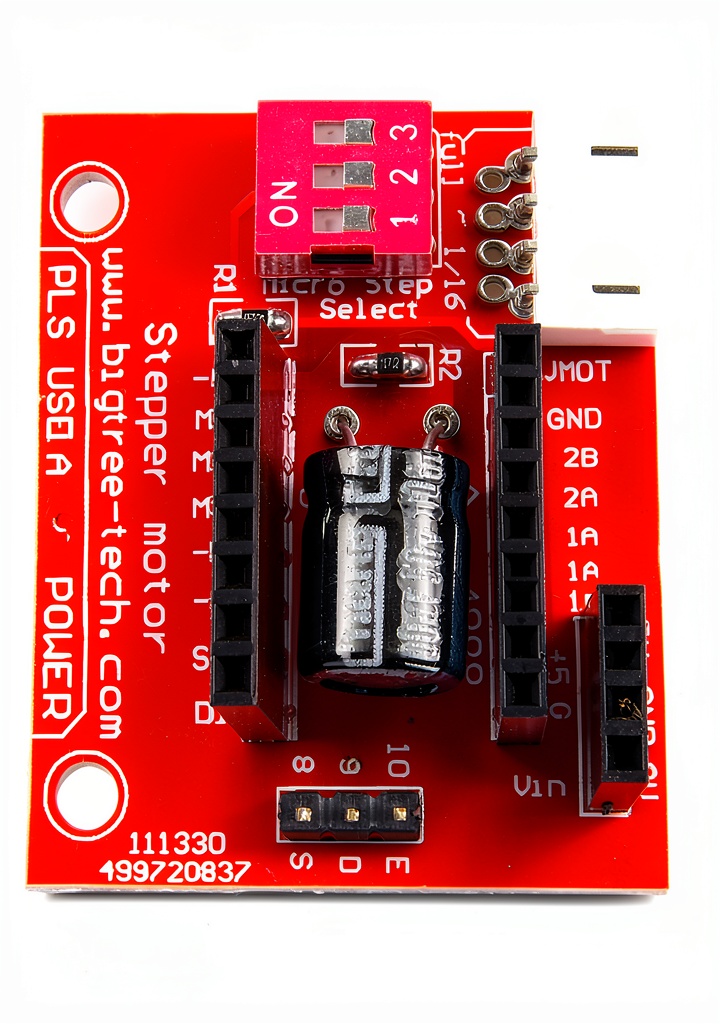
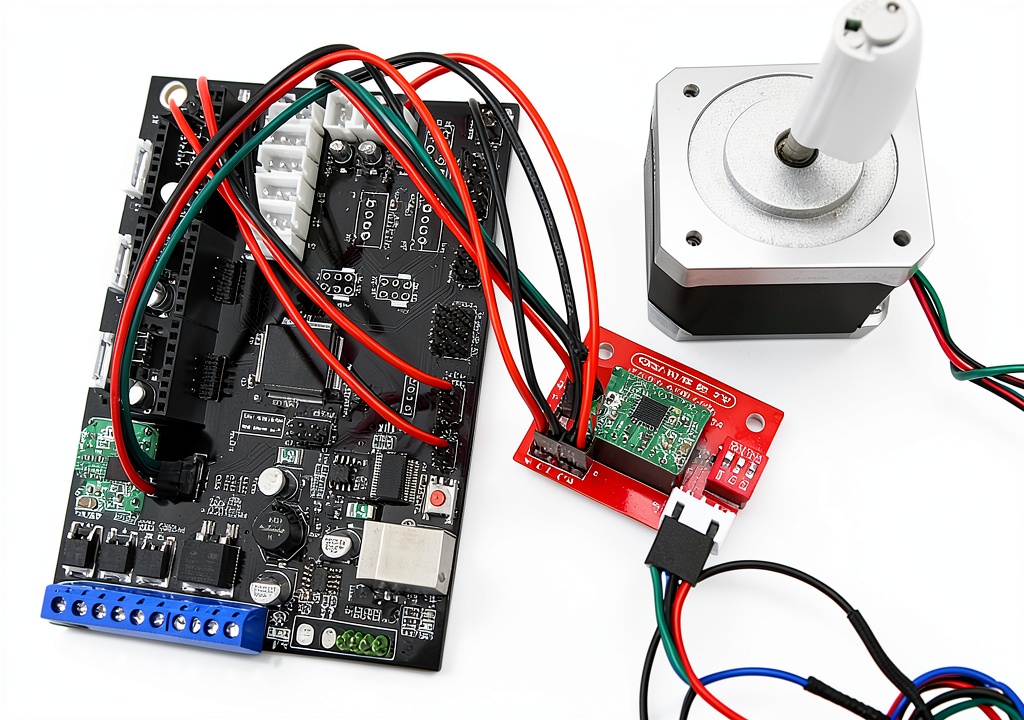
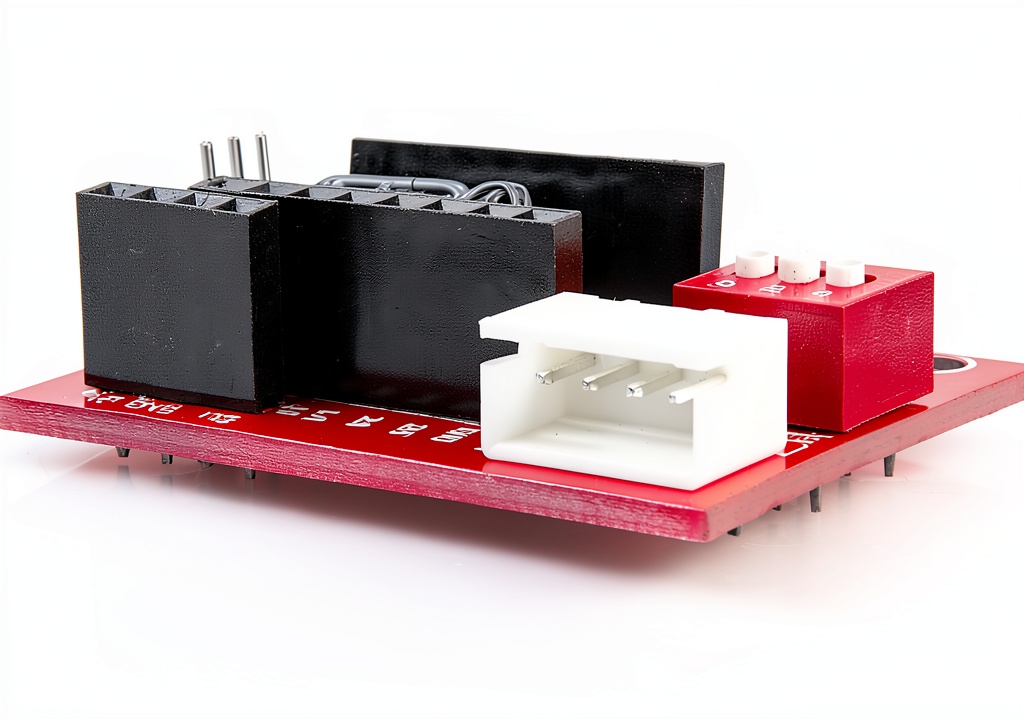
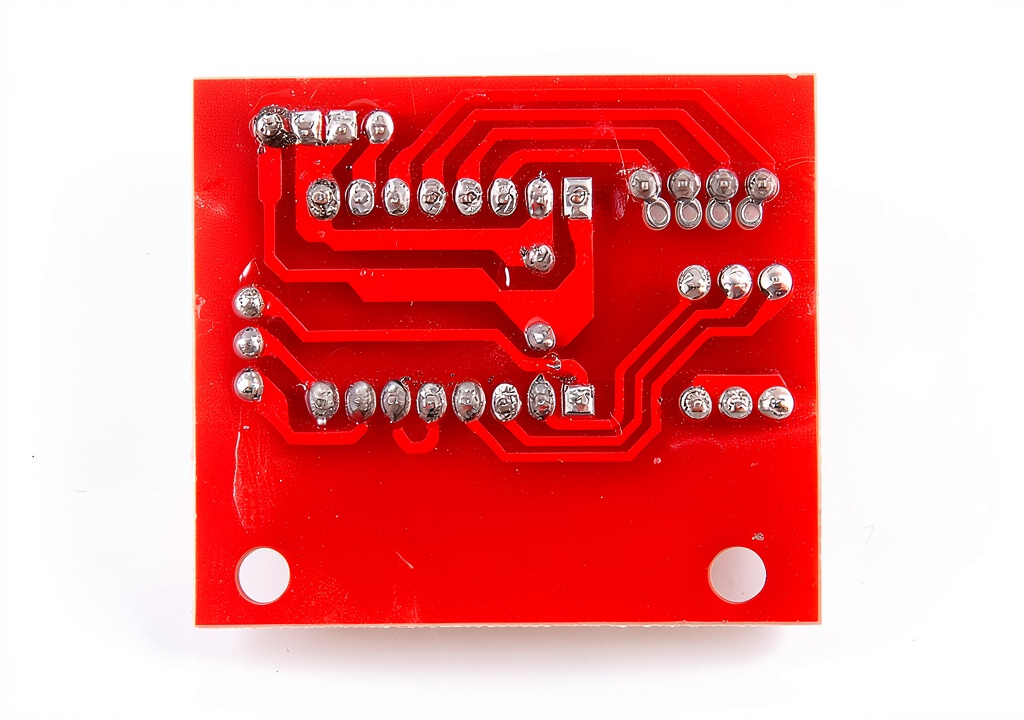
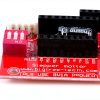
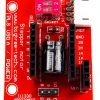
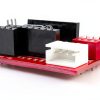
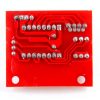
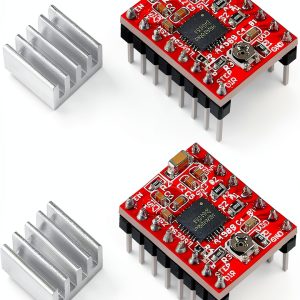
The LM YN 3D printer stepper driver shield board is a compact, high‑quality extension module engineered to work with the popular A4988 and DRV8825 stepper motor drivers. Constructed from a durable FR‑4 laminate, the board measures just 1.65 x 1.65 inches and weighs only 3.19 ounces, making it an ideal fit for tight printer enclosures. It features clearly labeled pins for motor connections (Jm), power inputs (Jv), and jumper settings that let users select 16 micro‑step resolution for the A4988 or 32 micro‑step resolution for the DRV8825. The board accepts a wide voltage range from 5 V up to 24 V, providing flexibility for a variety of printer power supplies. With a manufacturer’s one‑year after‑sale warranty, the product promises durability and reliable operation for both hobbyist and professional environments.
![[Product front view showing all components]](https://www.marchpast.store/wp-content/uploads/2026/07/b07fdd97387b4f8da108ee876a43647b.jpg)
Usage
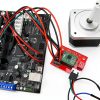
Designed for additive manufacturing enthusiasts, this shield board can be installed in any 3D printer that utilizes a stepper motor driver module. Whether you are upgrading an older printer or building a new machine from scratch, the board’s straightforward wiring diagram and clear polarity markings reduce the risk of incorrect connections that could damage the driver. The jumper configuration allows quick switching between micro‑step modes without the need for soldering, making it perfect for testing different print resolutions. The board also supports external power supplies ranging from 5 V to 24 V, enabling use with both low‑cost desktop power adapters and higher‑current industrial supplies. Its compact size ensures it can be mounted directly onto the printer’s control board or placed in a dedicated slot, keeping cable management tidy and improving overall system reliability.
Why Choose Us
LM YN has a reputation for delivering precision electronic components that meet rigorous quality standards. This stepper driver shield board benefits from meticulous PCB layout that minimizes electrical noise and heat buildup, extending the lifespan of both the driver and the stepper motor. The inclusion of a built‑in jumper system eliminates the need for additional external components, simplifying the assembly process and reducing the total cost of ownership. Each board undergoes thorough functional testing before shipment, ensuring that you receive a product that works out of the box. In addition, the one‑year warranty provides peace of mind, and our responsive customer support team is ready to assist with any technical questions or installation guidance you may need.
Key Features
- Compact size fits easily into tight printer enclosures, saving valuable space.
- Supports both A4988 and DRV8825 drivers for versatile compatibility.
- Wide voltage range (5 V‑24 V) accommodates many power supply options.
- Easy jumper configuration for 16 or 32 micro‑step settings without soldering.
- One‑year manufacturer warranty and dedicated after‑sales support.
FAQ
Can I use this board with a driver other than A4988 or DRV8825?
The board is specifically designed for the pinout and electrical characteristics of the A4988 and DRV8825 drivers. Using other drivers may require additional wiring or could exceed the board’s voltage and current specifications, so it is not recommended.
How do I set the micro‑step mode on the board?
Locate the jumper pins labeled DP on the board. For the A4988 driver, placing the jumper on the DP pins selects 16 micro‑steps. For the DRV8825 driver, the same jumper position selects 32 micro‑steps. Adjust the jumper position as needed, then power the board to apply the setting.
What power supply voltage should I use for optimal performance?
The board accepts any voltage between 5 V and 24 V. For most desktop 3D printers, a 12 V or 24 V supply provides a good balance of torque and efficiency. Ensure the power supply can deliver sufficient current for your motor’s specifications.
Is there any special cooling required for the board?
Under normal operating conditions, the board’s FR‑4 substrate and copper traces dissipate heat effectively. If you are running the driver at high current levels for extended periods, adding a small heat sink to the driver chip can improve thermal performance.
What should I do if the board does not power on?
First, verify that the power supply voltage is within the 5 V‑24 V range and that the polarity is correct. Check the Jv connector for secure contact, and ensure the jumper is properly seated. If the board still does not power, contact LM YN customer support with the purchase details for troubleshooting or replacement under the warranty.
Reviews
There are no reviews yet.